CraftSphereDimensions
An RPG dimension mod that transforms your Minecraft experience. Explore forgotten realms through magic portals, conquer challenging dungeons, face epic bosses and collect legendary loot.
Each with exclusive mechanics, traps and epic boss fights
From passive mobs to fearsome bosses with unique abilities
Weapons, armor, tools and magical artifacts
Vast worlds with unique biomes and hidden secrets
Beyond the Portal
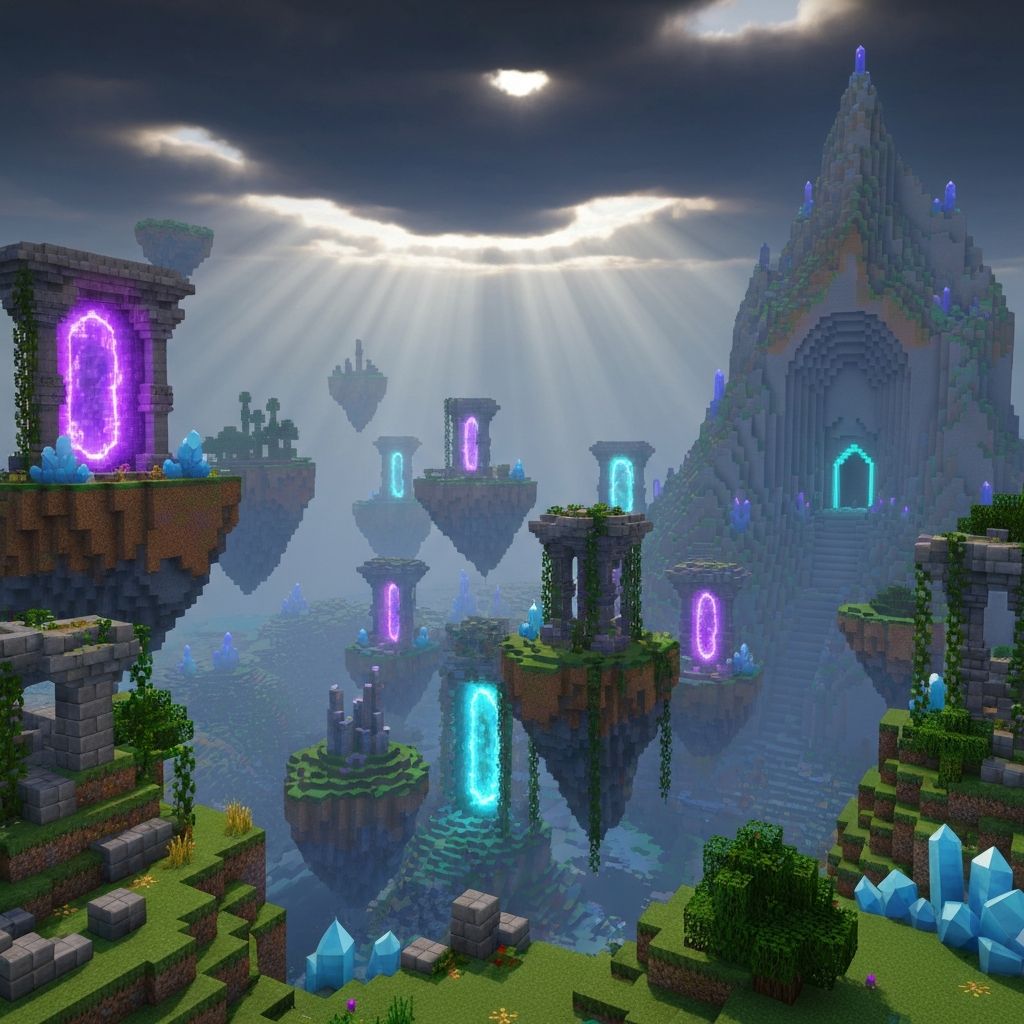
CraftSphere Dimensions introduces a world full of mystery, magic and danger, where ancient portals connect forgotten realms and lead to challenging dungeons filled with secrets and rewards.
Beyond the portal, players will find unique creatures, immersive structures and powerful loot designed to take exploration and combat to a new level. Each journey into this dimension offers new discoveries, intense battles and valuable treasures for those who dare to explore the unknown.
Highlights
Content focused on adventure and exploration, designed for players who seek epic endgame experiences.
New Explorable Dimension
A vast and completely new world to explore, with unique biomes, ancient structures and secrets hidden in every corner.
Magic Portals
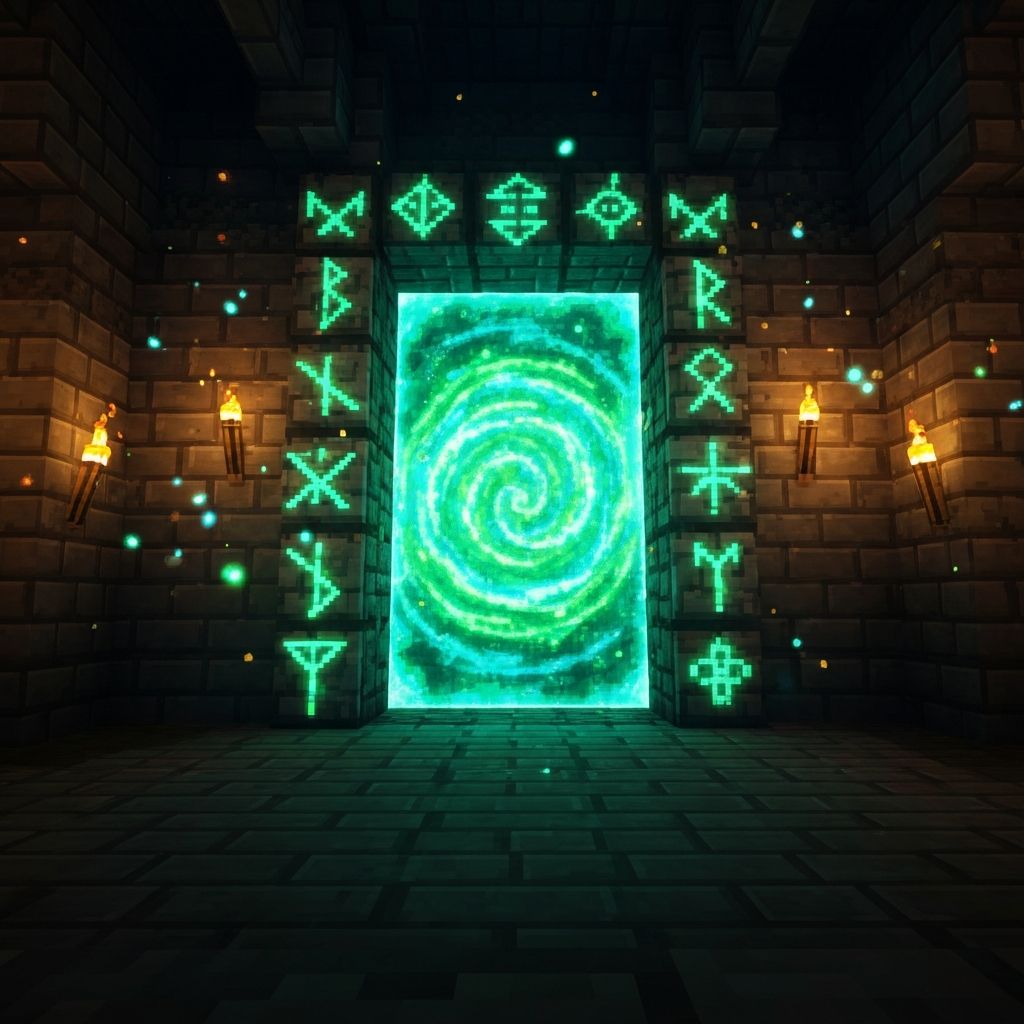
Magic portals are the heart of progression. Discover, activate and travel between forgotten realms connected by arcane energy.
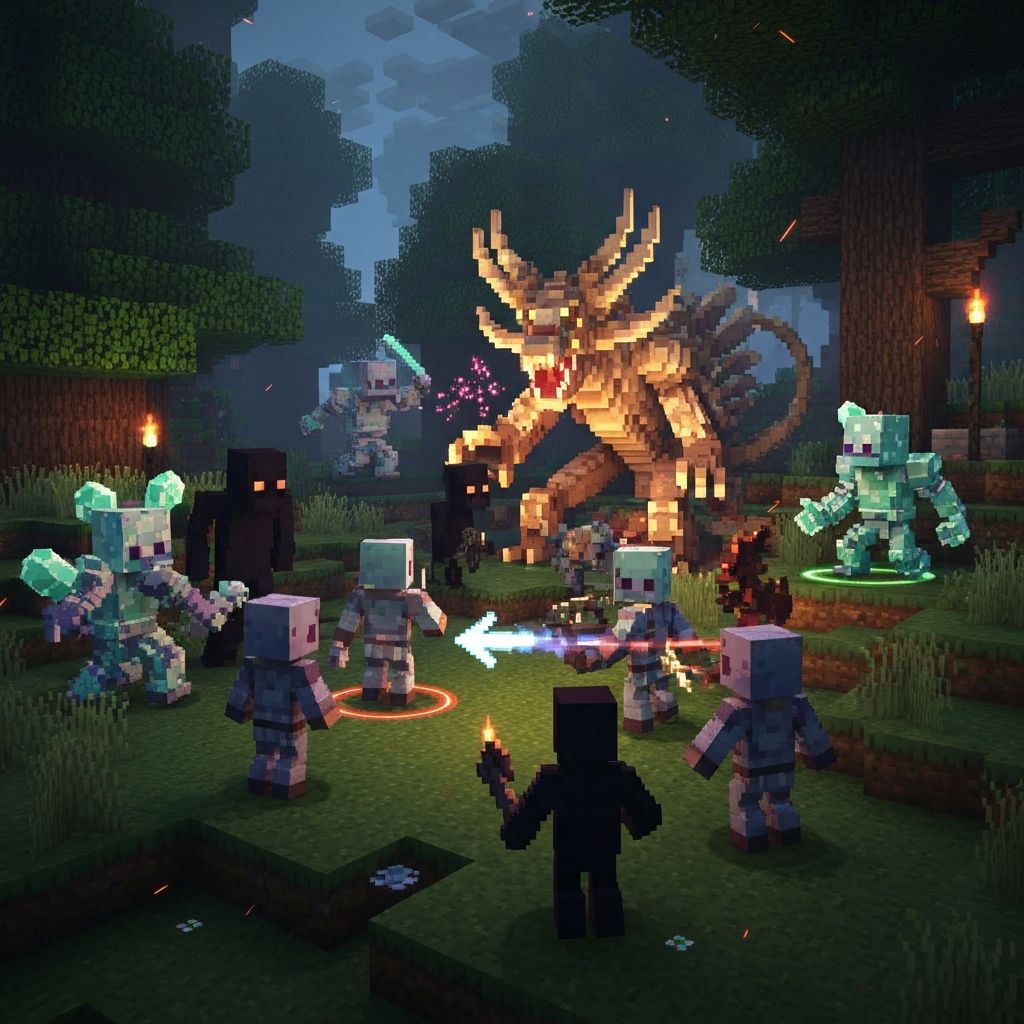
Challenging Dungeons
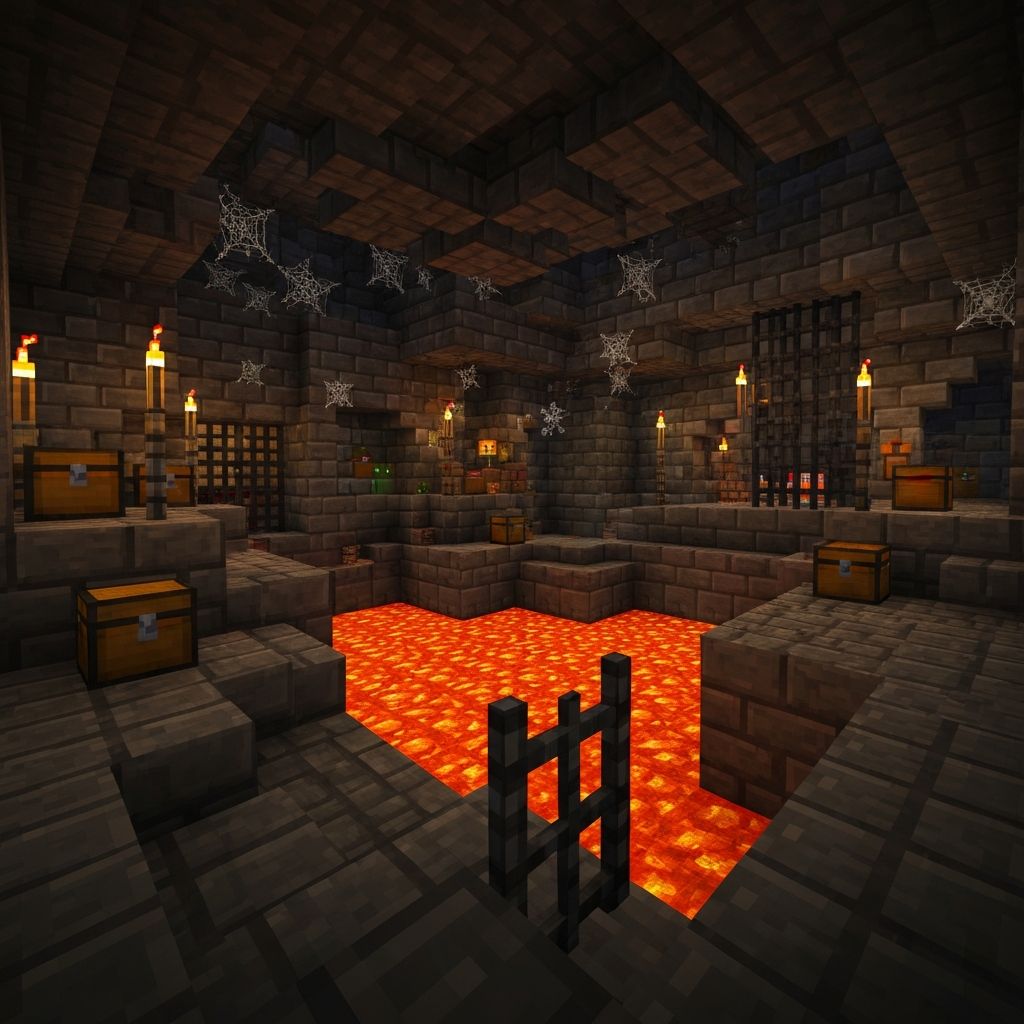
Face dungeons filled with traps, powerful mobs and epic bosses. Each one offers exclusive loot and rare rewards.
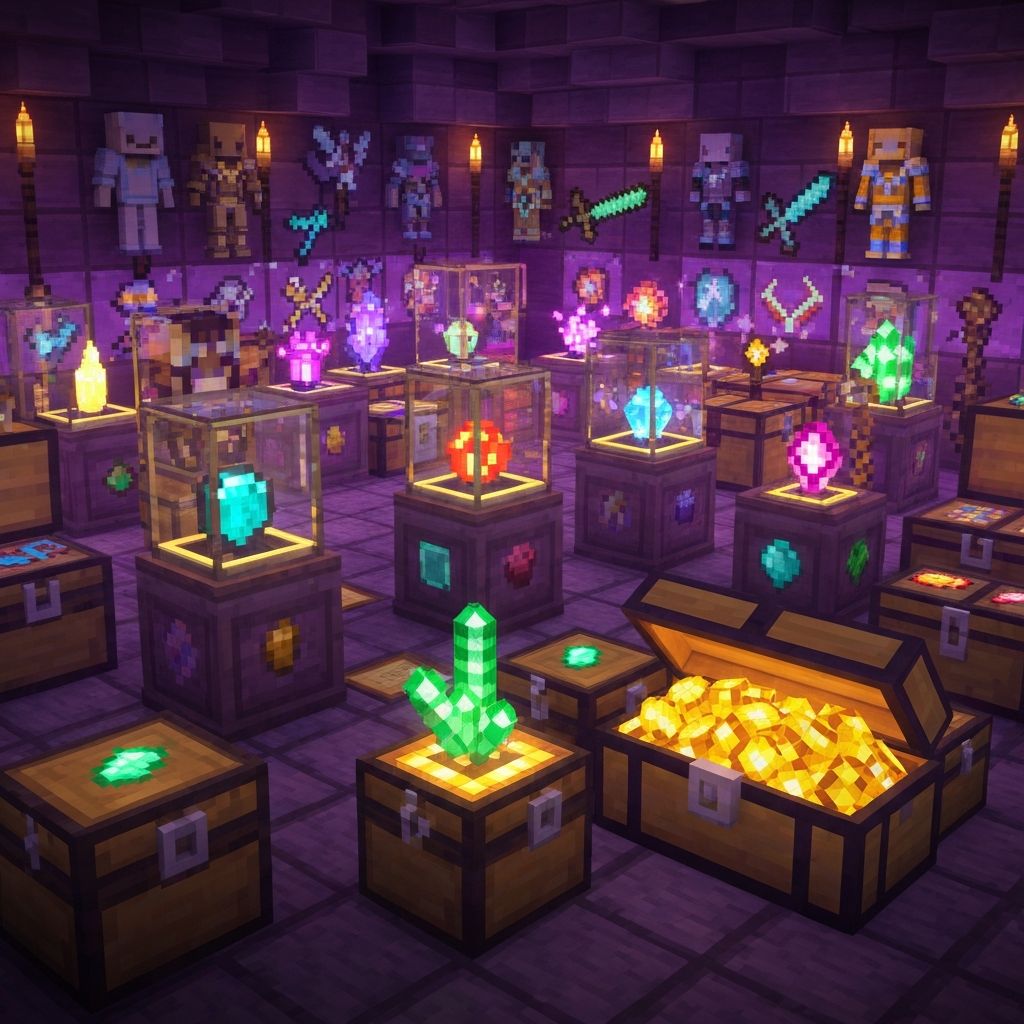
Exclusive Loot
Enchanted weapons, legendary armor and unique magical items. Collect treasures that transform your gaming experience.
Update Incoming
Prepare your equipment, gather your allies and step through the portal. Your adventure begins in CraftSphere Dimensions.
New Bosses
Brand new combat challenges
New Enchantments
Exclusive magical powers
Multiplayer
Play with your friends
Installation Guide
Follow these simple steps to start your adventure in CraftSphere Dimensions.
Download Forge
Download and install Minecraft Forge 1.20+ from the official website.
Locate Mods Folder
Open Minecraft, go to Options → Resource Packs → Open Pack Folder, then navigate to the mods folder.
Download the Mod
Download CraftSphere Dimensions from our download section and place the .jar file in the mods folder.
Launch Minecraft
Open the Minecraft Launcher, select the Forge profile, and click Play!
You're Ready!
If you followed all steps correctly, you should see CraftSphere Dimensions in your mod list. Join our Discord server if you need any help!
Start your adventure
Download CraftSphere Dimensions and explore a new dimension full of mysteries and challenges.
Official Server
Play with the community
198.1.195.91:25565
Current version: 1.3.2 · Last update: February 2026
Frequently Asked Questions
Got questions? We've got answers. If you don't find what you're looking for, join our Discord!
Help Center
Click on a question to see the answer
Yes! CraftSphere Dimensions is designed to be compatible with most popular mods. However, we recommend testing with a small mod list first. If you find any incompatibilities, please report them on our Discord server.